DreamID Omni logo

Generate with DreamID Omni

Create Human-Centric Videos in One Place

Upload an image and an audio clip, then add a prompt. DreamID Omni will generate an identity-consistent talking video driven by the voice and timing.

Image *

Click to upload an image with a human subject or characterRequired. Input image containing a human subject, face or character.

Required. Use an image with a human subject, face or character.

Audio*

Click to upload speech or singing audioRequired. WAV / MP3. Duration must be under 35 seconds.

Required. Audio under 35 seconds. We’ll use its length for the video duration.

Prompt *

0/2000

Required. Max 2000 characters. For scene, movements, camera, etc. Supports Chinese, English, Japanese, Korean, Spanish, Indonesian.

Audio duration must be less than 35 seconds. The backend requires duration between 3 and 35 seconds; we automatically set this based on your audio length.

Requests are tied to your DreamID Omni account and will appear in your profile history once finished.

Preview

Demo clip · DreamID Omni
Core Capabilities

The Engine Behind DreamID Omni

Every layer is engineered for semantic consistency and audio-visual alignment.

Unified Omni-Framework demonstration

Unified Omni-Framework

End-to-End PipelineCross-Modal LatentsZero-Shot

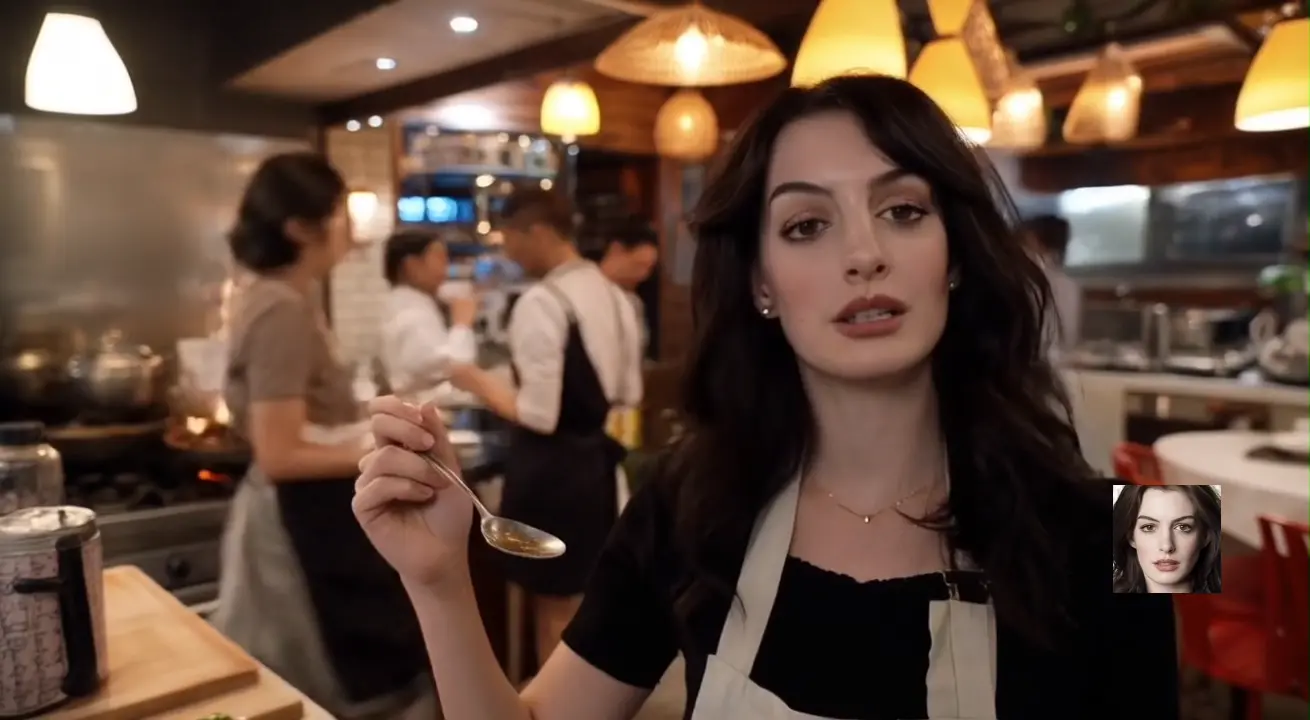
A holistic backbone orchestrating R2AV (Generation), RV2AV (Editing), and RA2V (Animation). Eliminates the friction of stitching incompatible models.

// TECH SPECS:Shared Latent Space ensures character identity, motion trajectory, and audio semantics are intrinsically aligned.
Syn-RoPE Technology demonstration

Syn-RoPE Technology

Spatial-Temporal BindingIdentity LockingAnti-Ambiguity

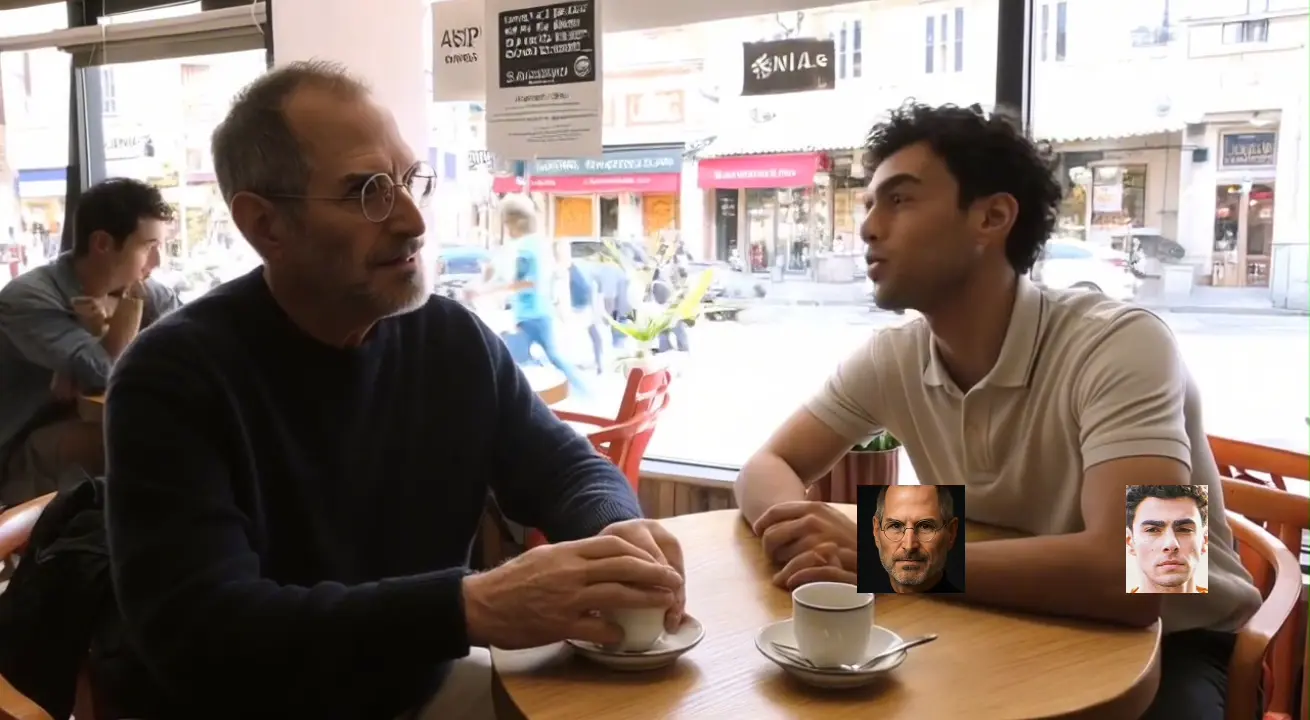
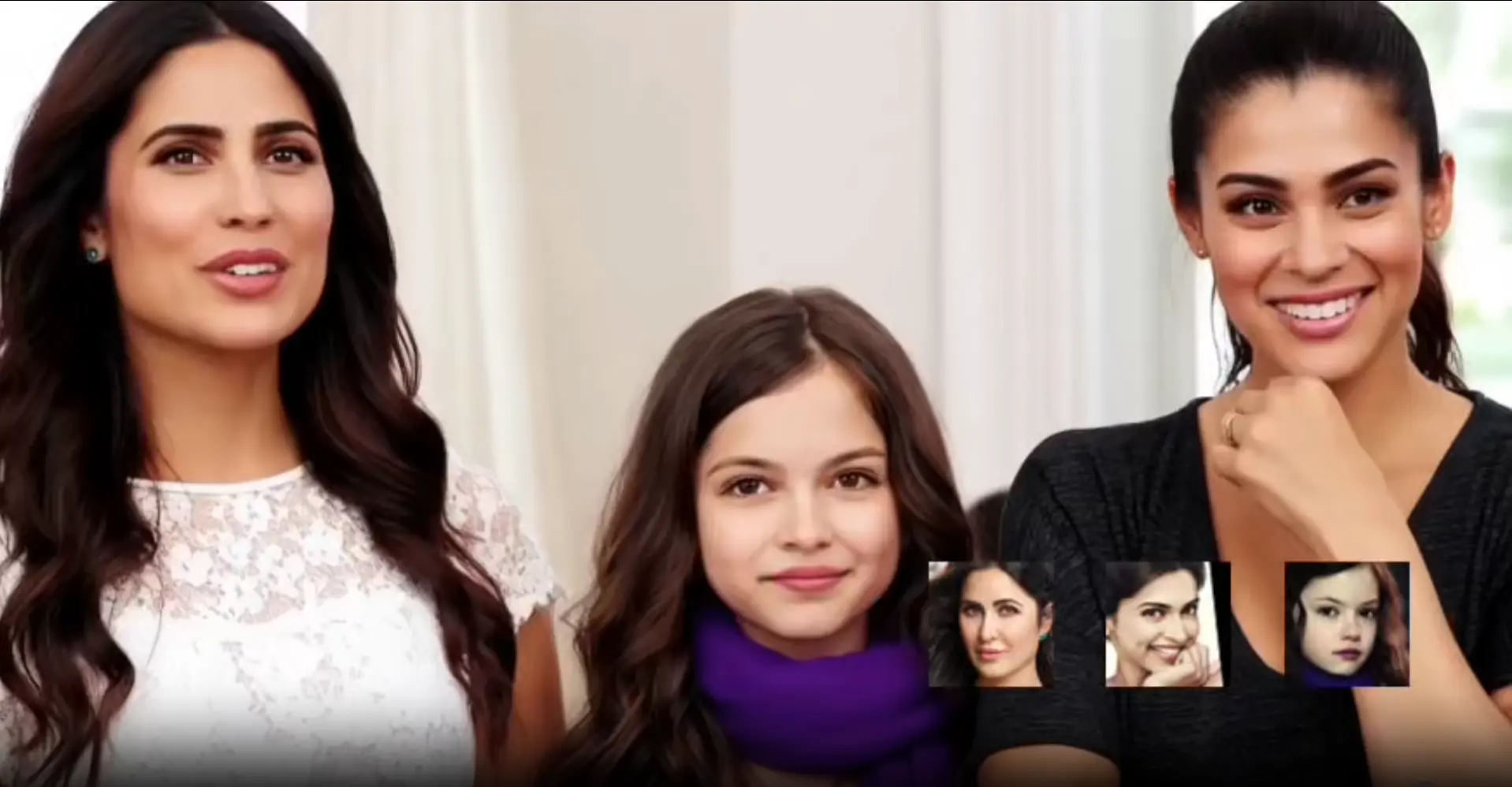
Proprietary rotary positional embeddings that solve referential ambiguity by rigidly binding identity tokens to specific spatial coordinates.

// TECH SPECS:Ensures Pixel-Perfect Identity Preservation, keeping faces and voices disentangled even in complex multi-subject scenes.

Symmetric DiT Backbone demonstration

Symmetric DiT Backbone

Dual-Stream DiffusionMicro-Expression4K Fidelity

Next-gen Dual-stream Diffusion Transformer that performs bi-directional reasoning over audio and video signals simultaneously.

// TECH SPECS:Achieves Granular Lip-Sync, captures subtle micro-expressions, and maintains global illumination consistency.

Workflow Demonstration

From Audio to Video

Experience the DreamID Omni engine. Play the Source Audio to hear the raw input, then play the Generated Video to see the identity-consistent output.

GENERATED OUTPUT
Source Audio Input
Target Script

"Today he receives the silver star for bravery and valor."

Visual Context

$Warm soft light, sub1 in black suit, white shirt. Serious, respectful tone.

GENERATED OUTPUT
Source Audio Input
Target Script

"Nice work. Tell DCA, get a fire team."

Visual Context

$Dim industrial background. Middle-aged man, camo uniform, sweaty intense face.

GENERATED OUTPUT
Source Audio Input
Target Script

"Really bad guy, someone who might be threatening girls with scissors or a knife."

Visual Context

$Long straight dark hair, grey shirt. Expression serious, concerned, focused.

GENERATED OUTPUT
Source Audio Input
Target Script

"Increasingly powerful bursts of aggression, uh, persecution, anxiety."

Visual Context

$Dim room. Long blonde hair, looking down at screen. Furrowed brows, anxious.

GENERATED OUTPUT
Source Audio Input
Target Script

"About you. About how you're changing."

Visual Context

$Outdoor blurred greenery. Man with shoulder-length hair, beige jacket. Intense gaze.

GENERATED OUTPUT
Source Audio Input
Target Script

"Cash. He was supposed to come back the next day for his shirt. But get this..."

Visual Context

$Bright indoor. Light blue shirt, white tank top. Casual conversational tone.

How to use DreamID Omni

How to Create Videos with DreamID Omni

The same pipeline scales from quick experiments to full production workloads.

Step 1

Upload your source

Start from a portrait, a reference video, or an existing clip you want to edit.

Step 2

Provide audio or driver video

Attach a voice track or a motion driver to control speech, rhythm, and expressions.

Step 3

Generate with the DreamID-Omni Engine

Select R2AV, RV2AV, or RA2V mode and render identity-consistent, lip-synced output.

FAQs · DreamID Omni

Common Questions About DreamID Omni

From licensing to technical constraints, here is what most teams ask before integrating DreamID-Omni.

Ready to Revolutionize Video with DreamID Omni?

Explore the DreamID-Omni engine, test your own assets, and build the next generation of human-centric experiences.